Learning Center
Video tutorials
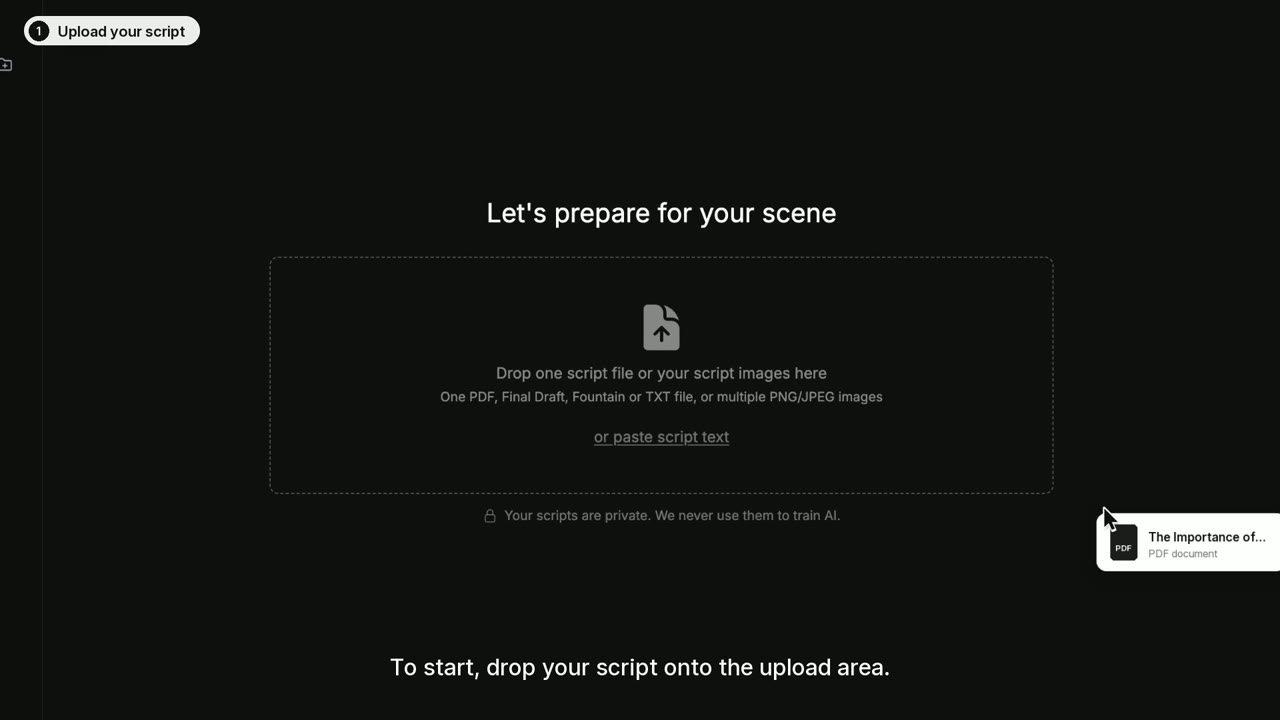
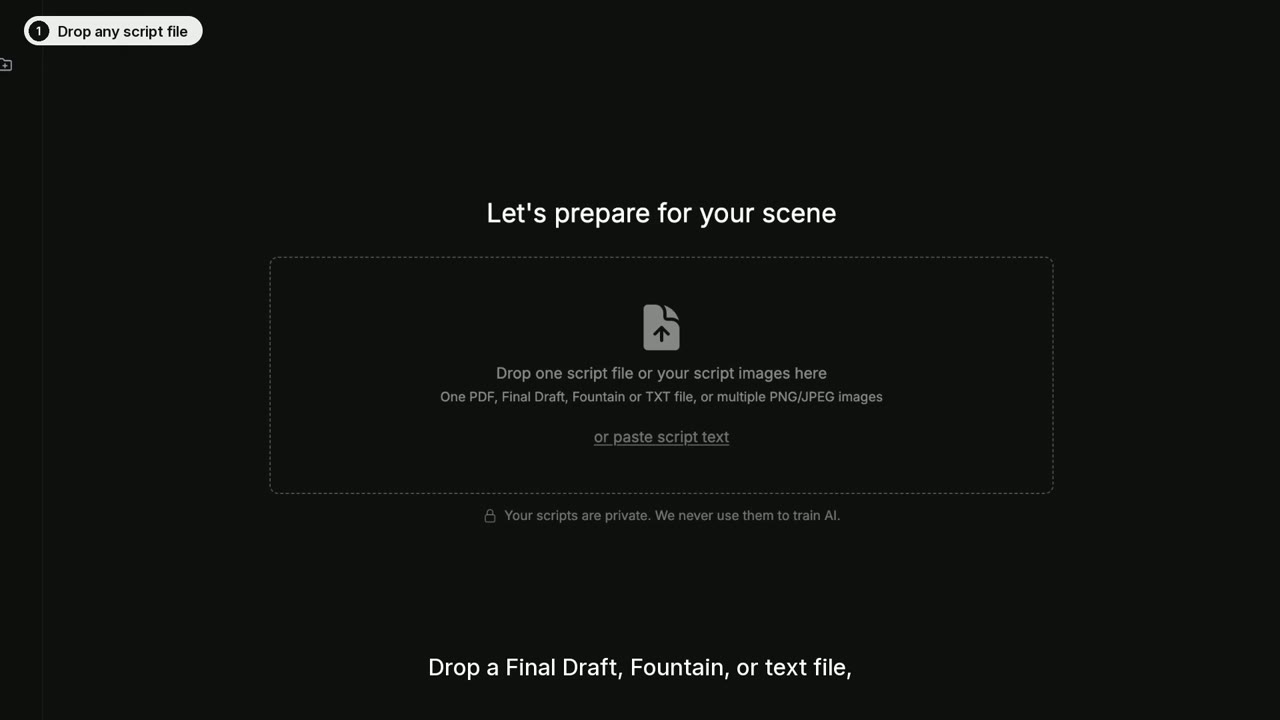
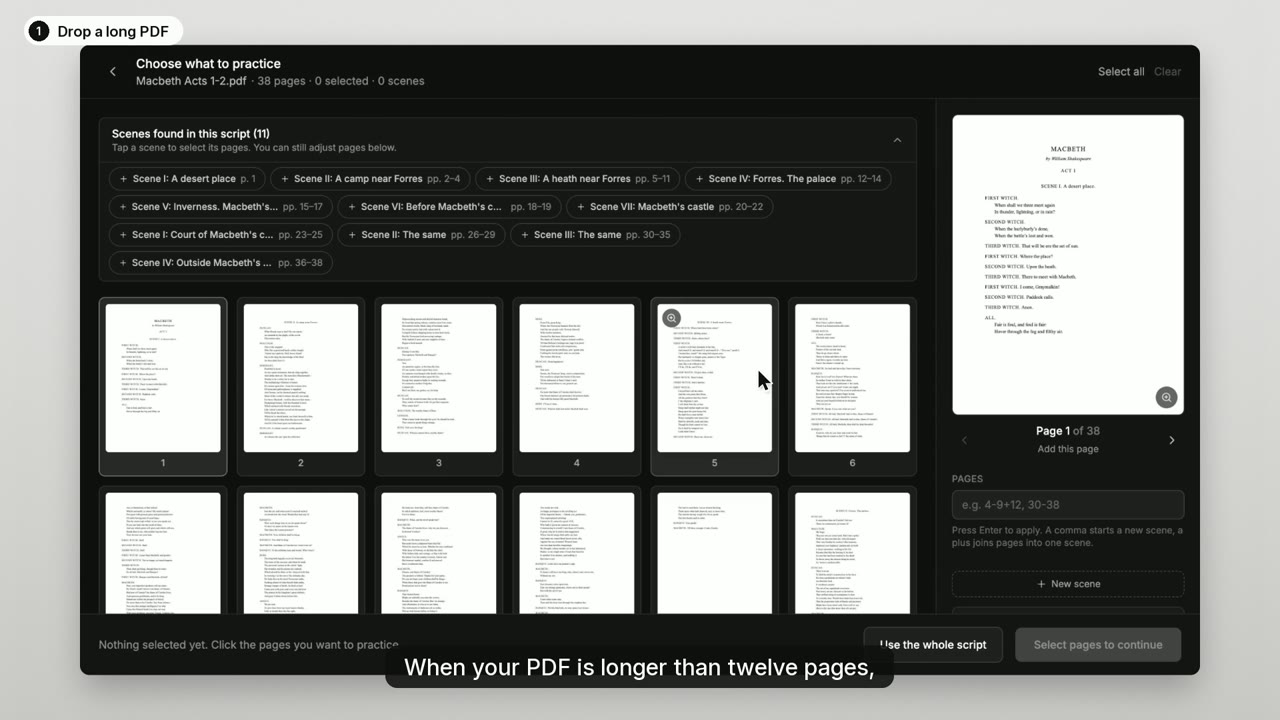
Short videos that show how to rehearse with Offbook, from your first upload to drilling the lines that keep slipping. Most take about a minute.
Get started
Get a script into Offbook and run your first scene.
Rehearse
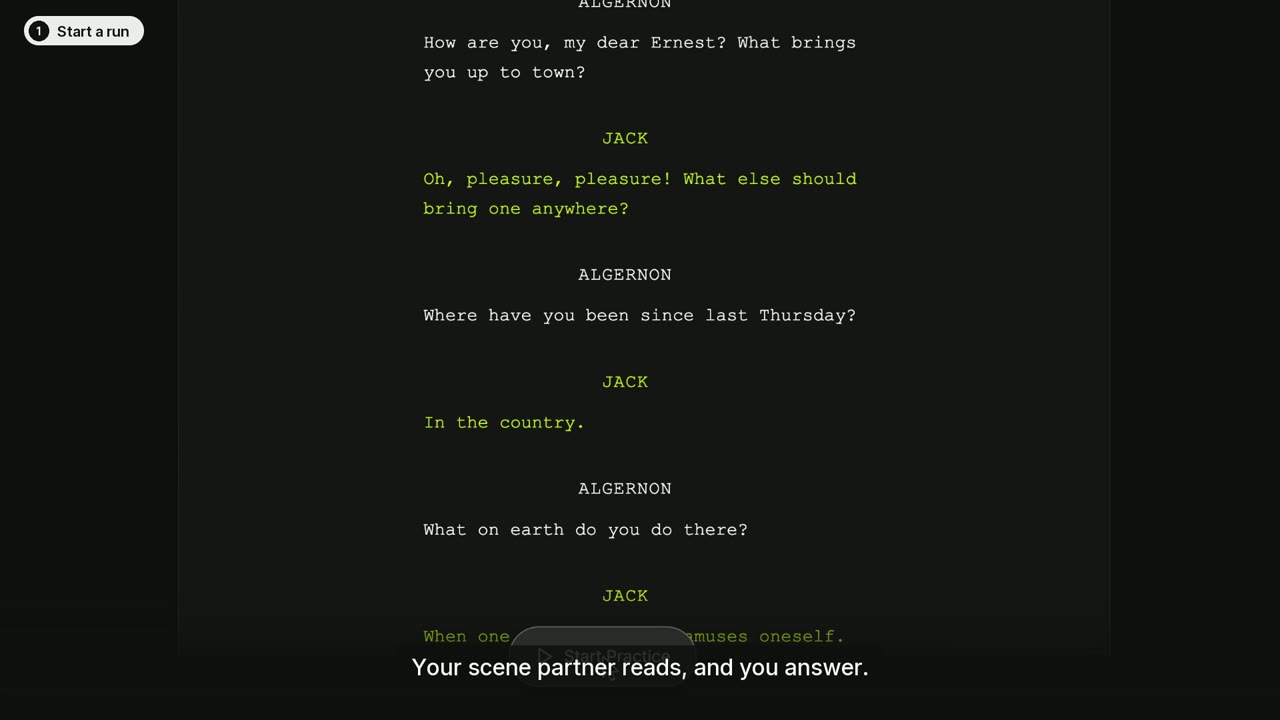
Control the run, the pace, and when Offbook moves past your line.
 1:06
1:06Practice controls
Pause, skip, and loop while you rehearse
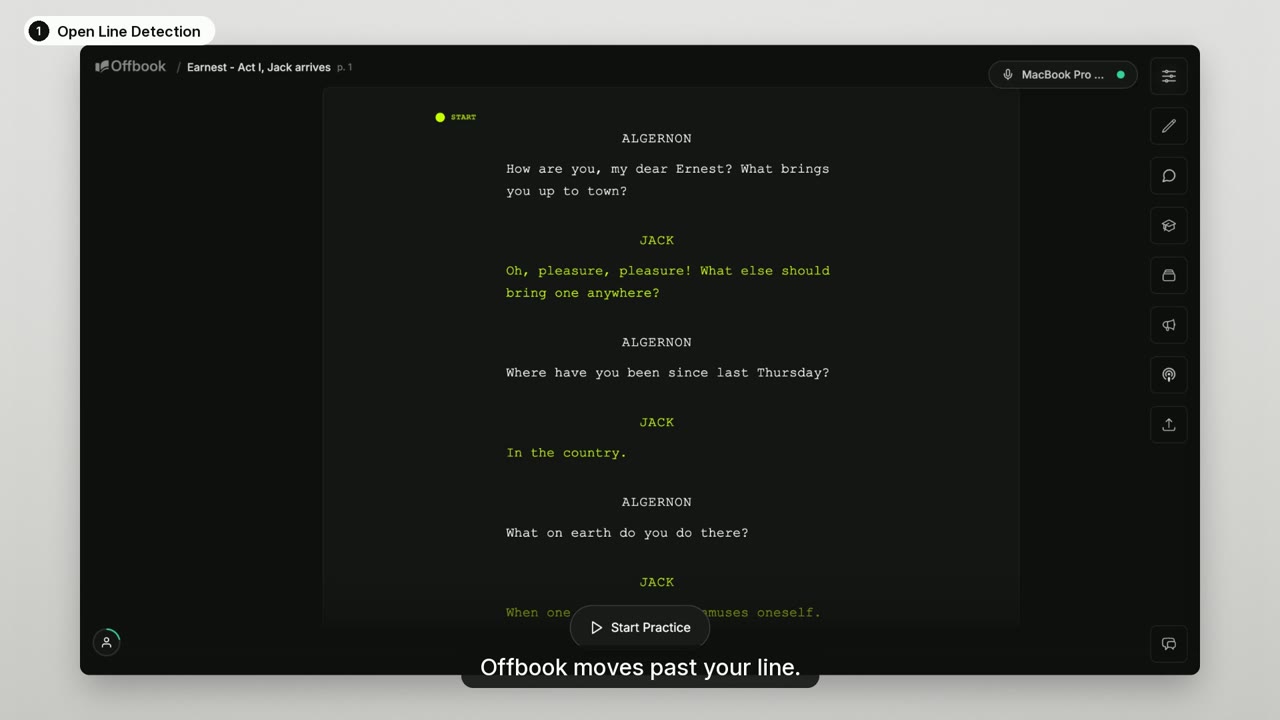 0:57
0:57Line detection
Choose when Offbook moves past your line
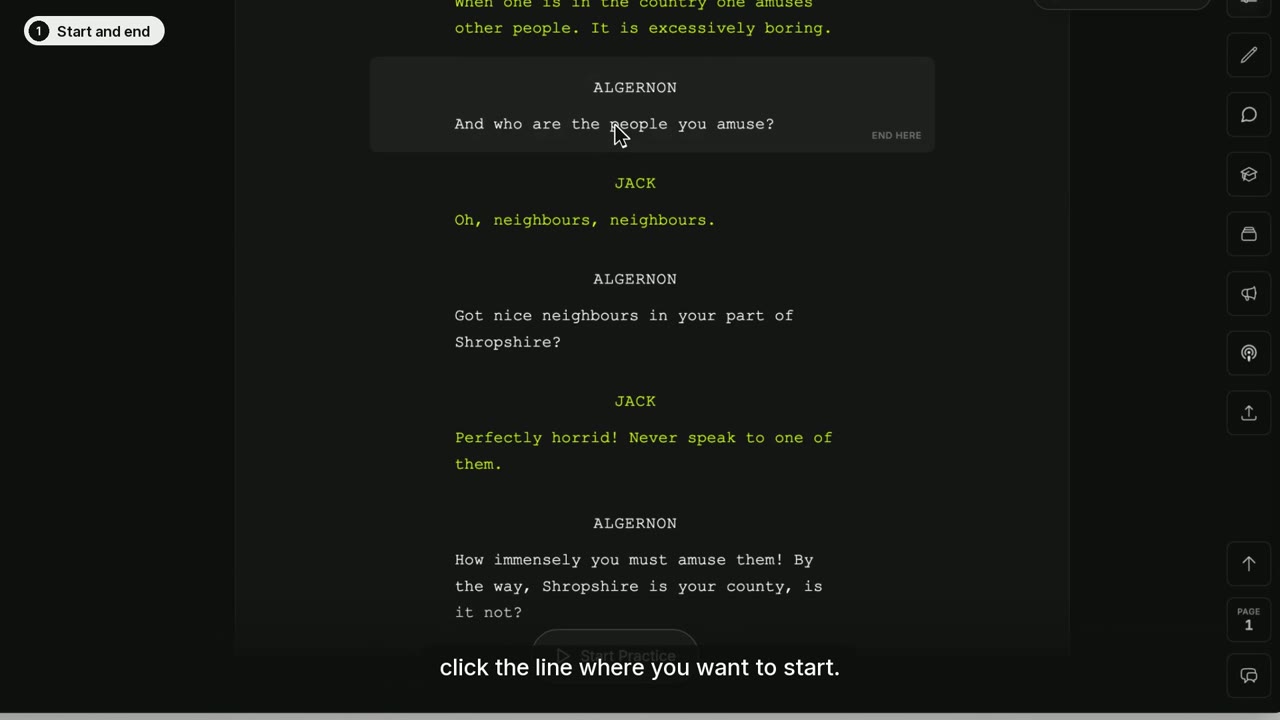 1:03
1:03Practice one part of a scene
Set a start and end, save scenes, and skip lines
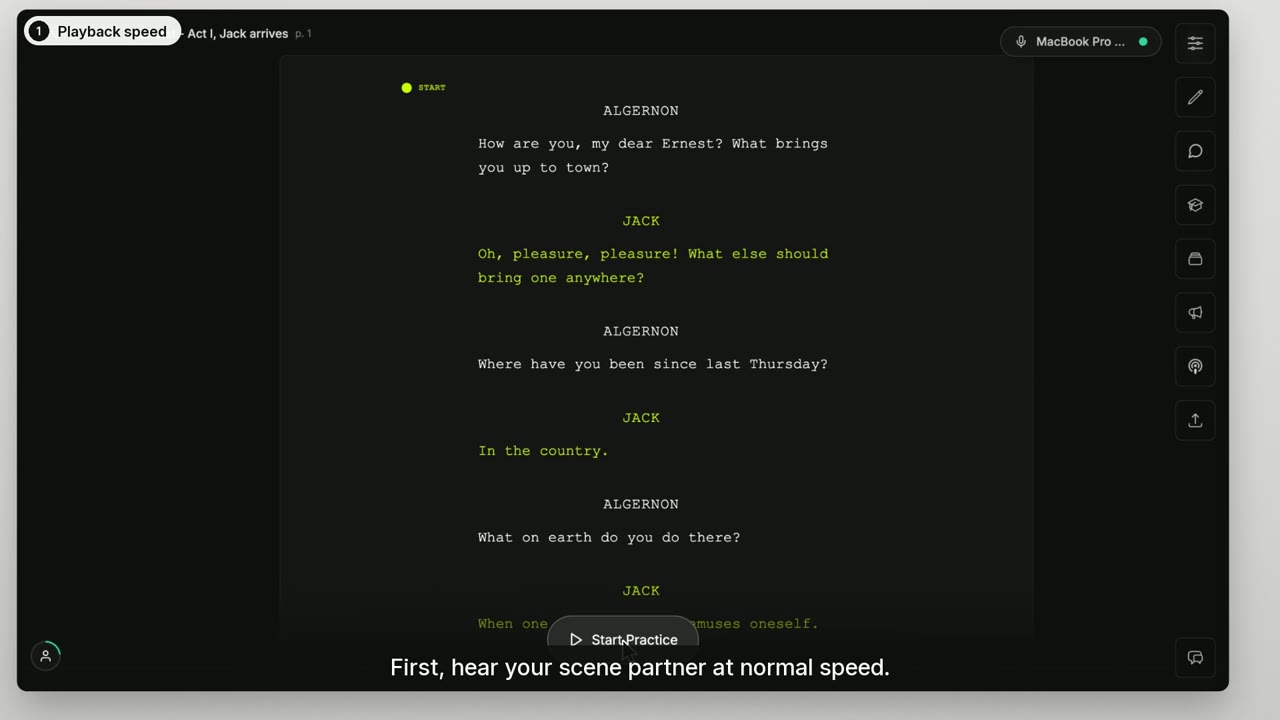 1:09
1:09Pacing
Set the speed, add pauses, keep the scene moving
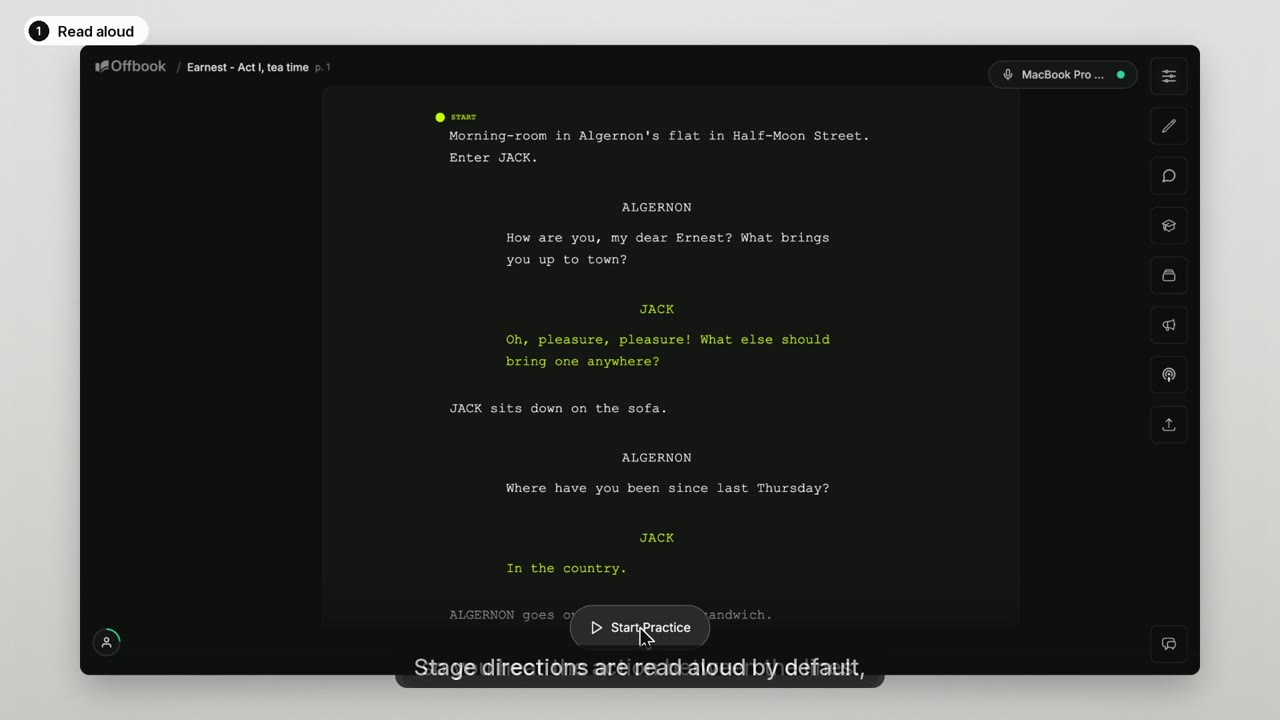 0:53
0:53Stage directions
Hear them, see them, or hide them
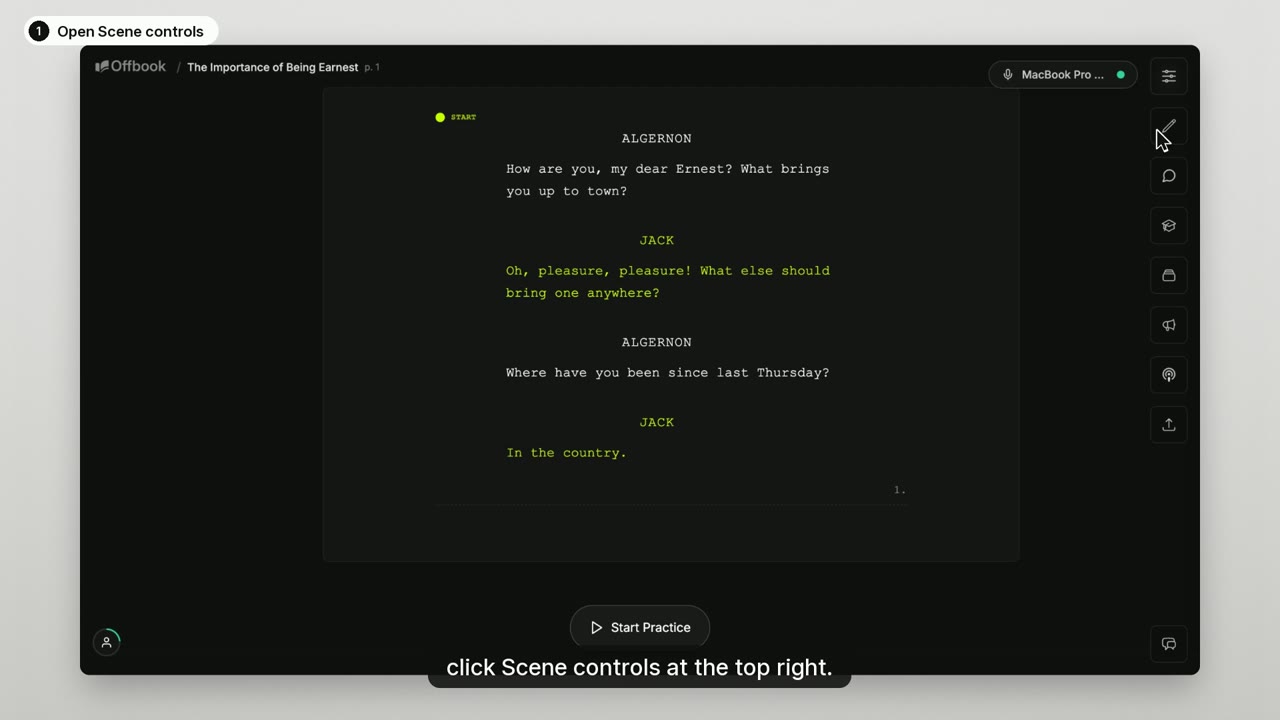 1:02
1:02Display options
Make the script easy to read
Memorize
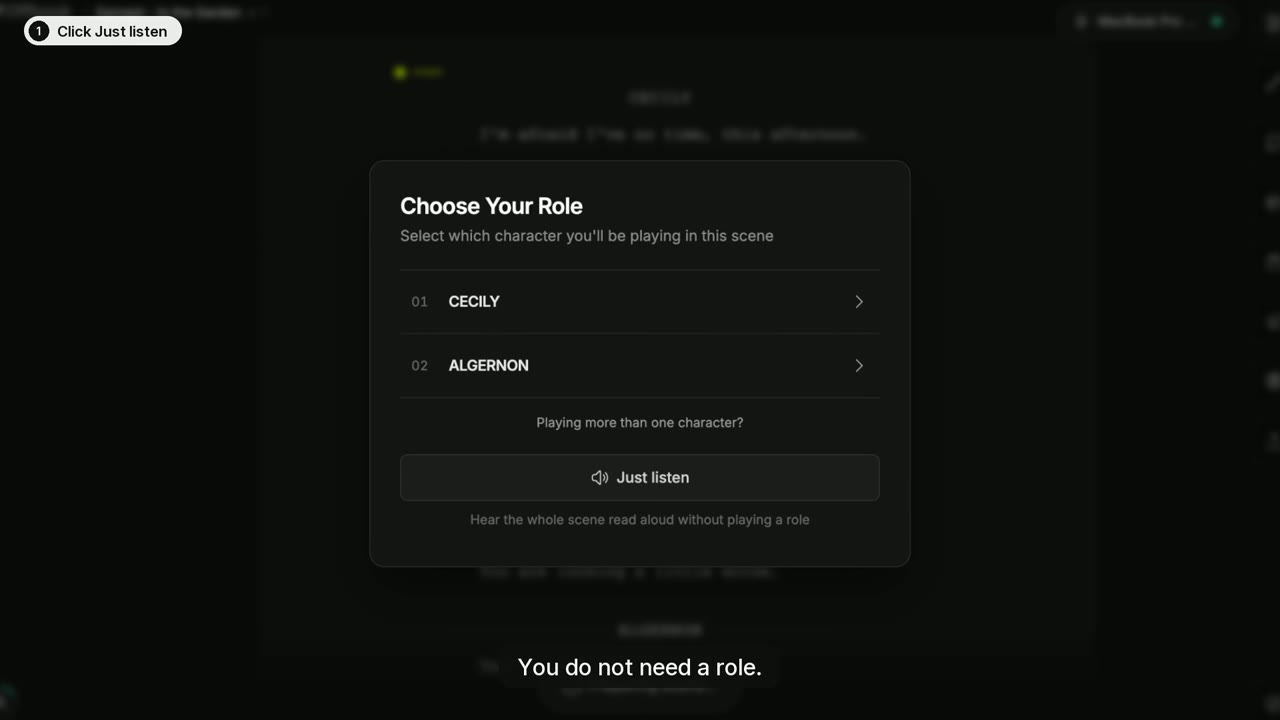
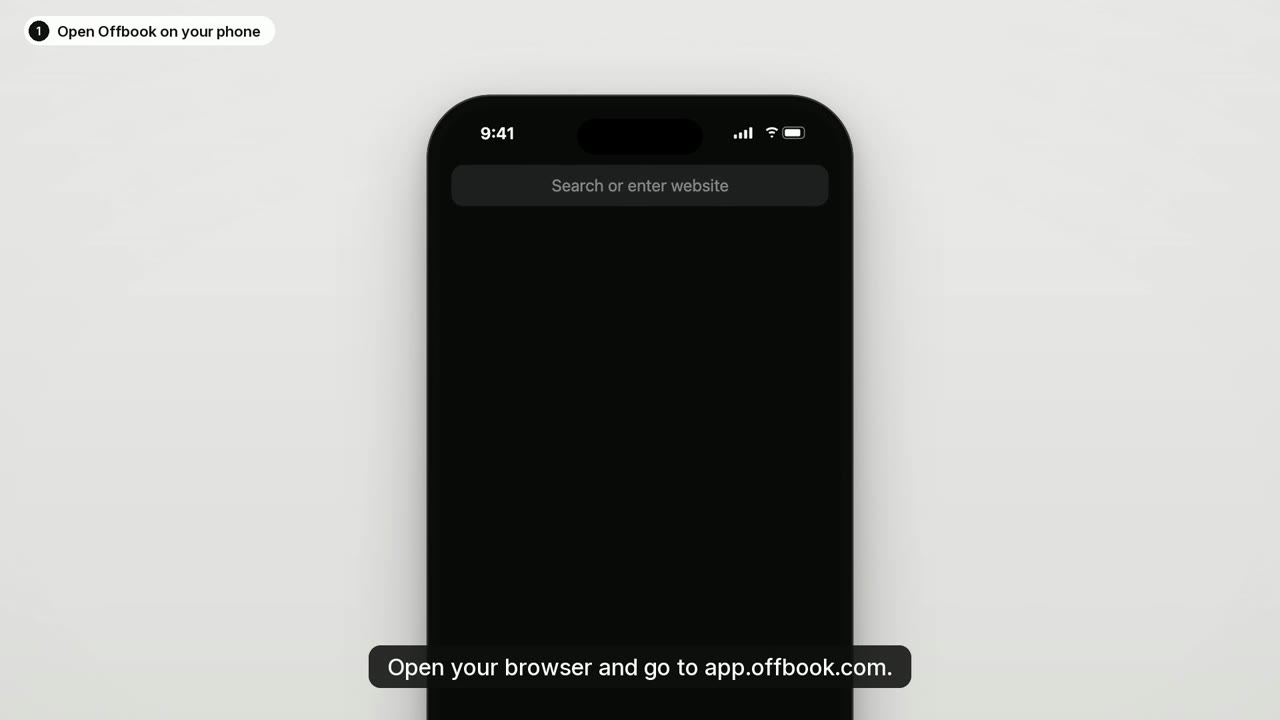
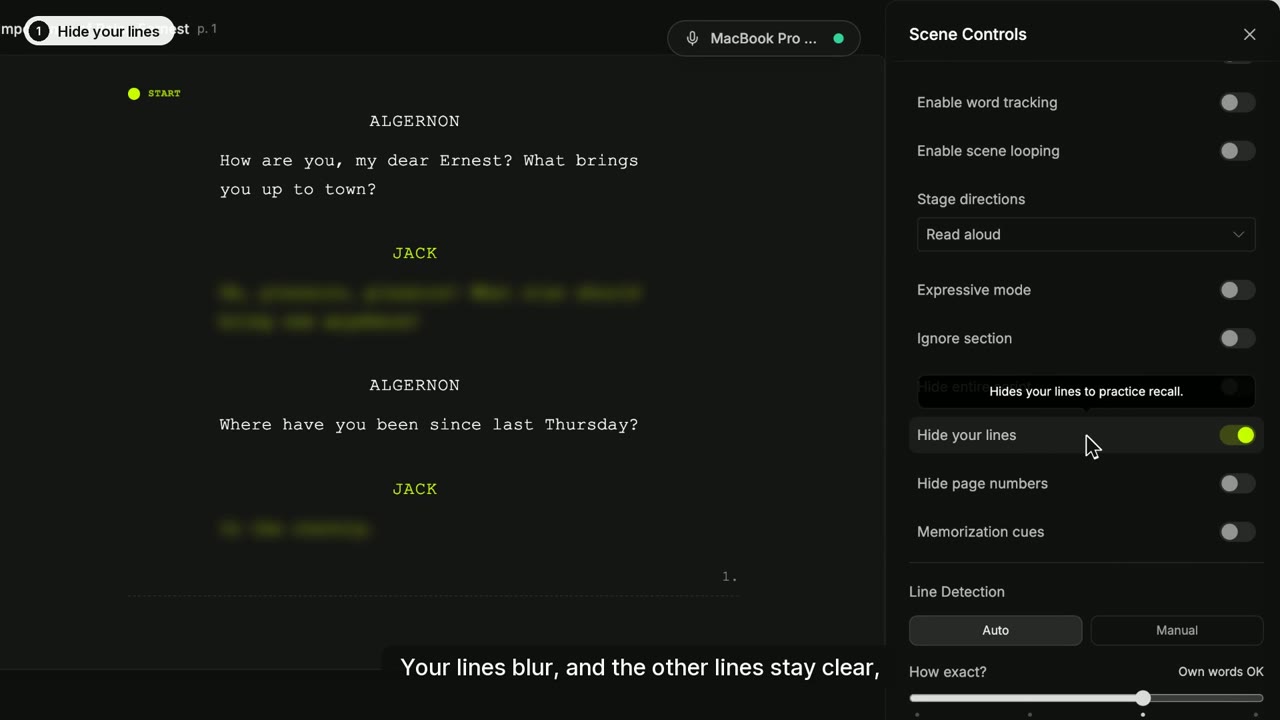
Hear the scene, then take the script away a step at a time.
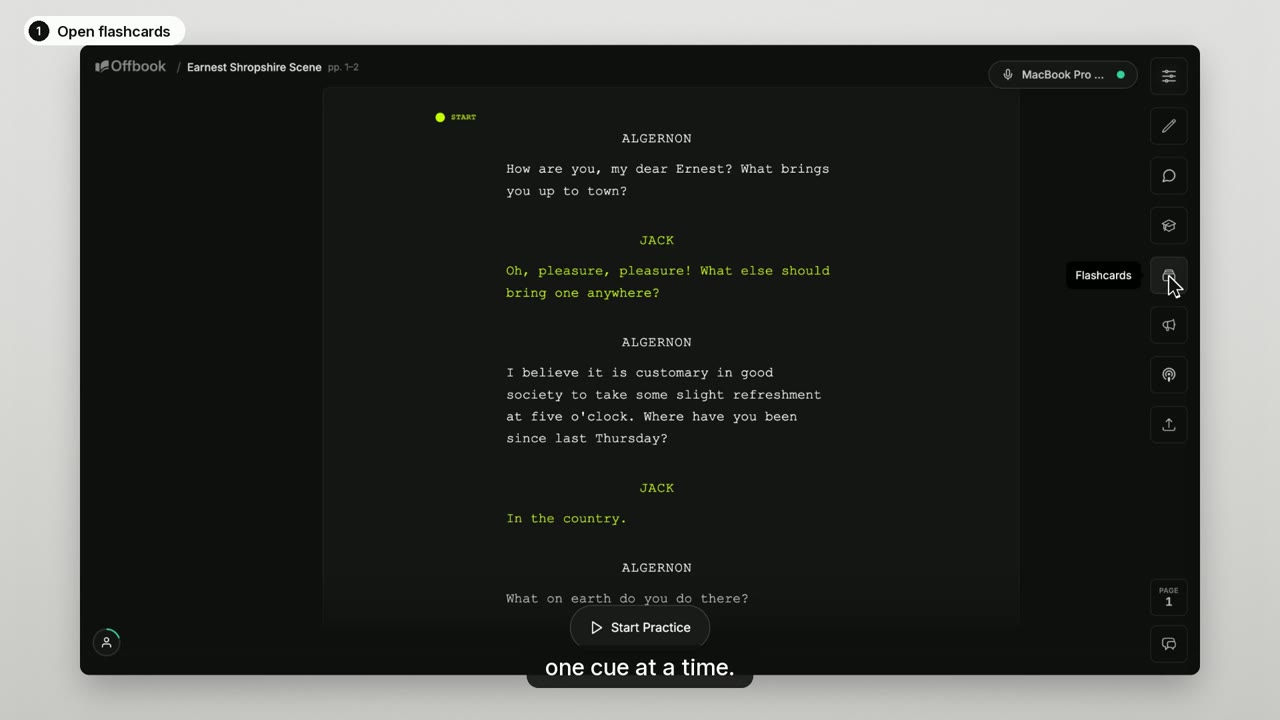
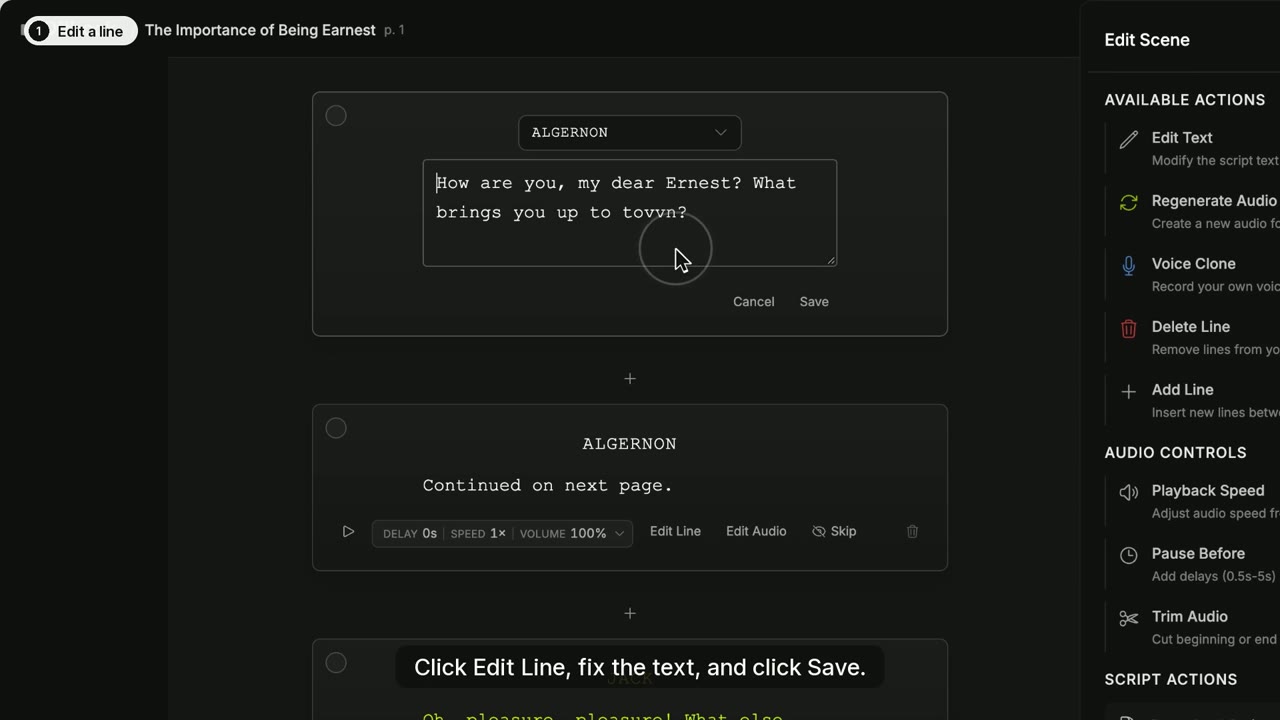
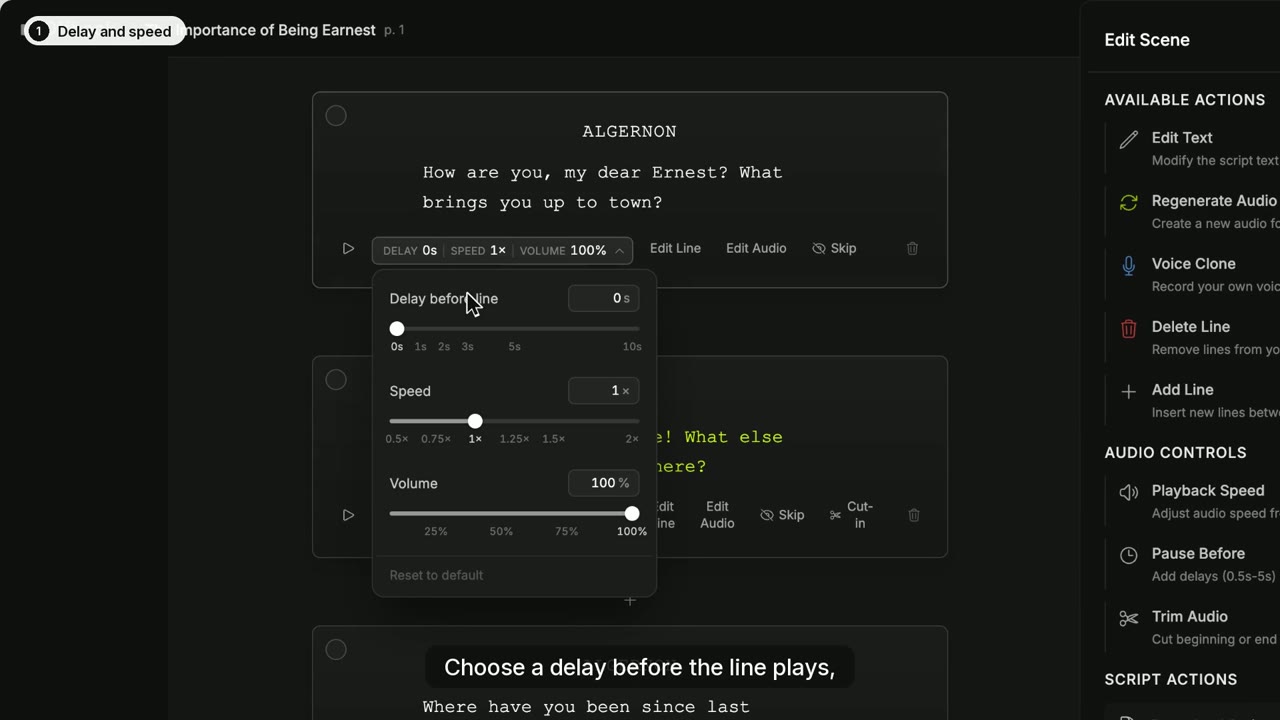
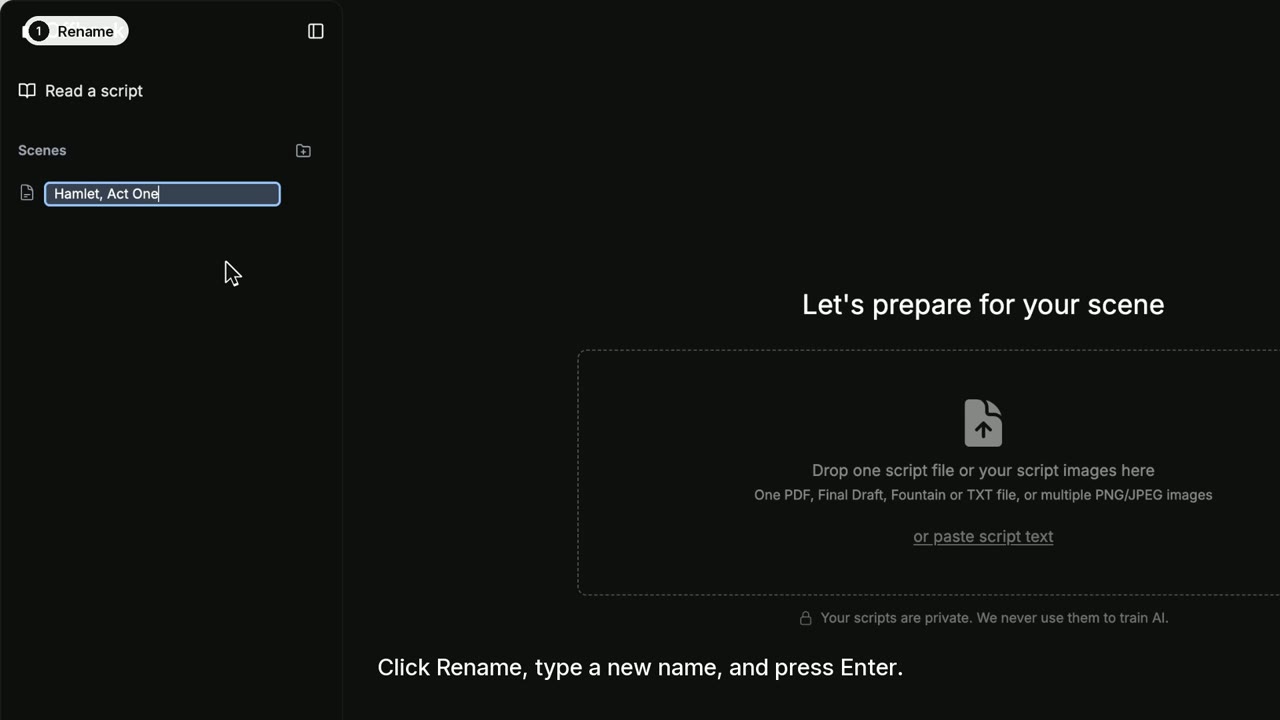
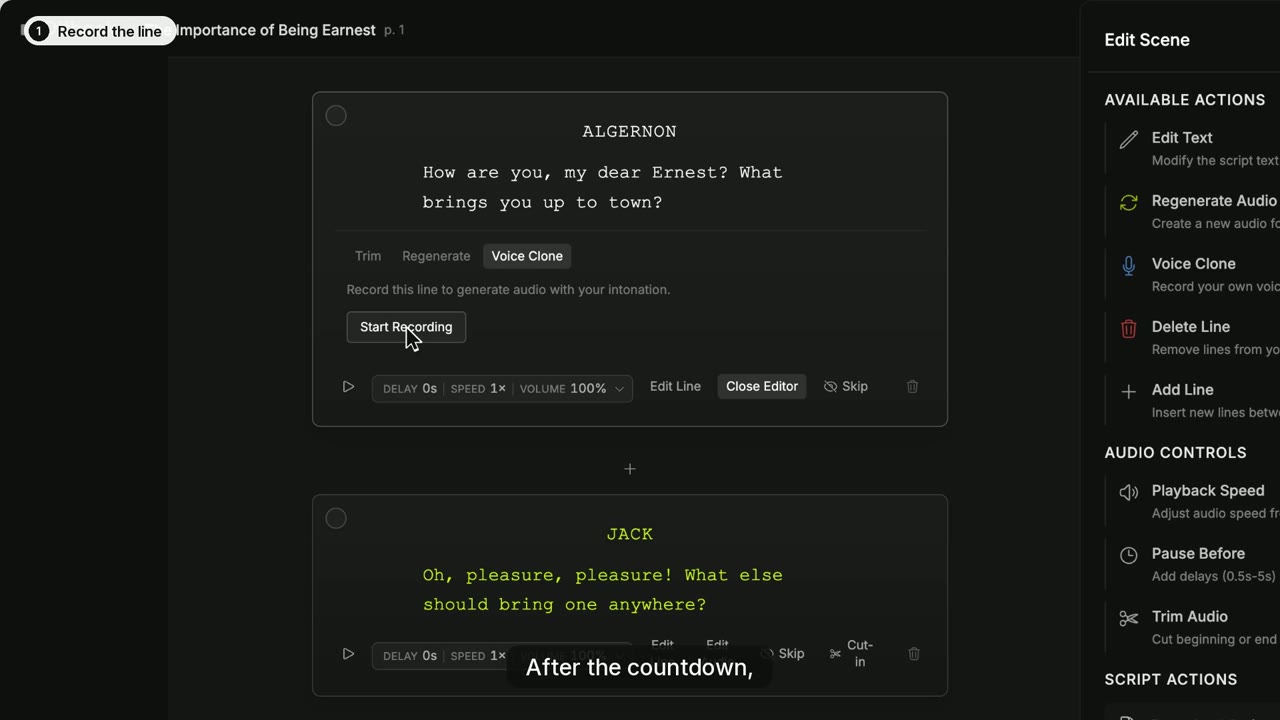
Edit your scene
Fix lines, tune the timing, and keep your scenes in order.
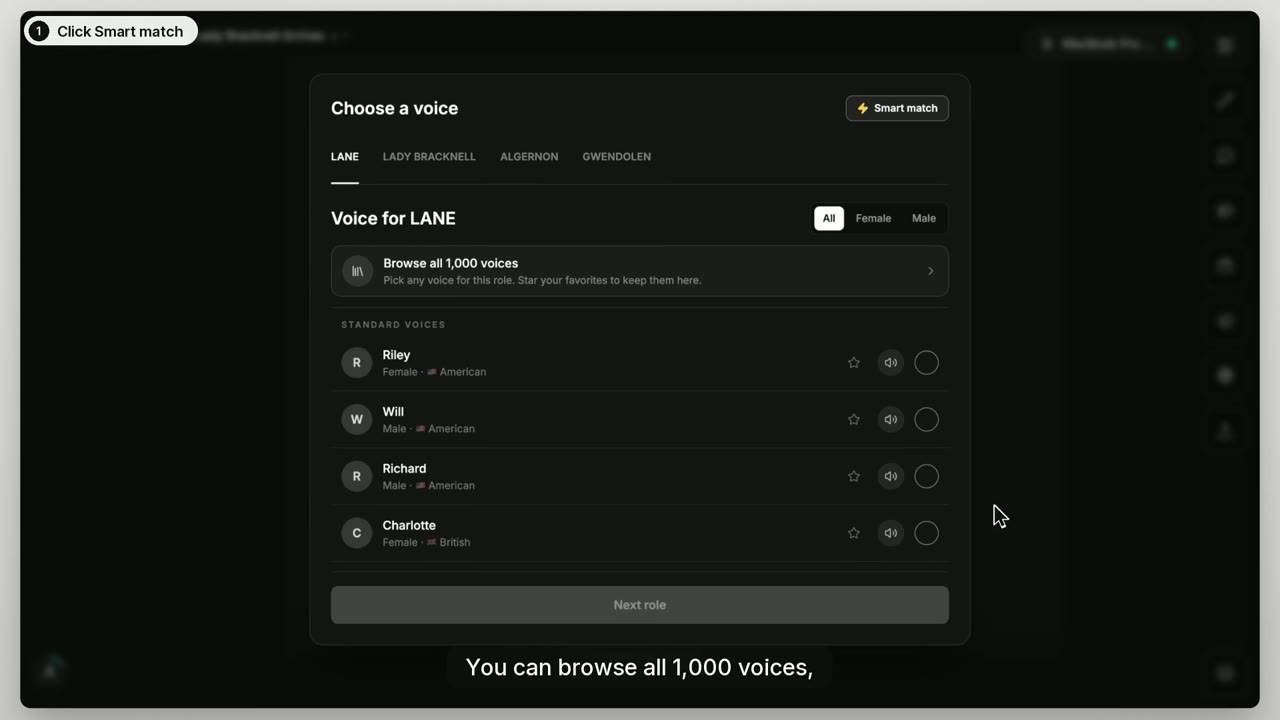
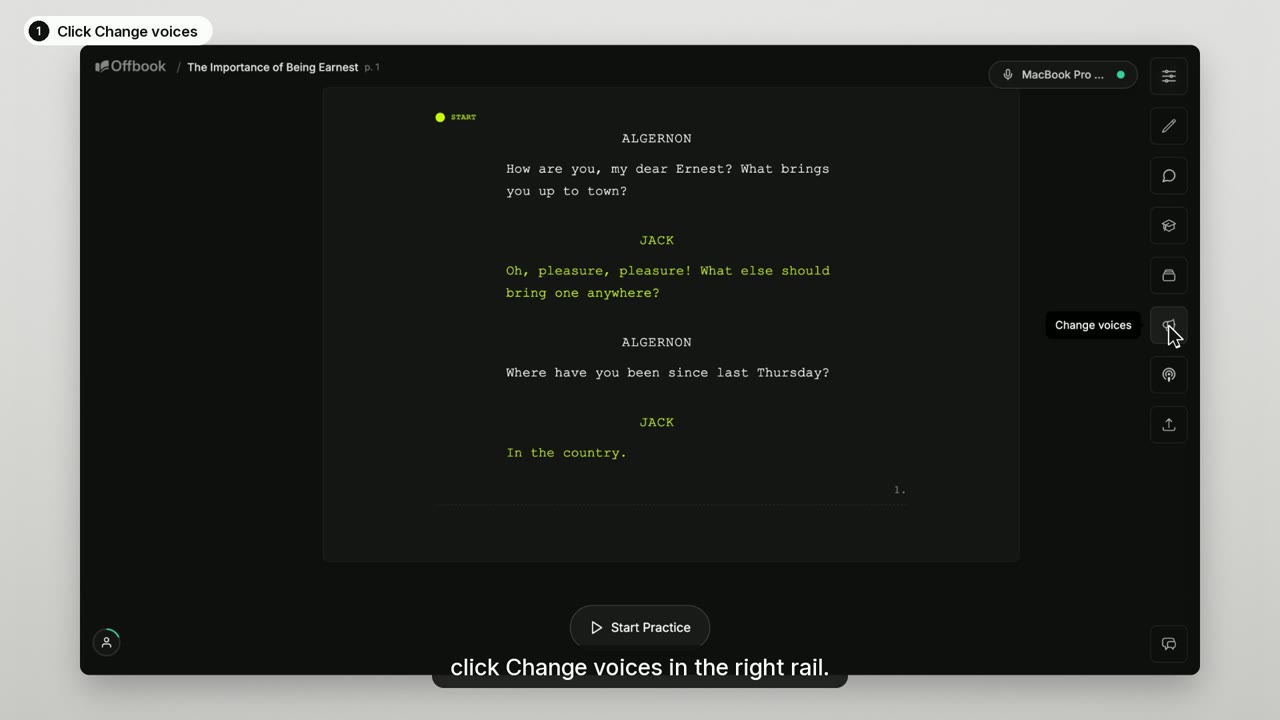
Voices
Cast your scene partners and shape how they read.
Prepare the role
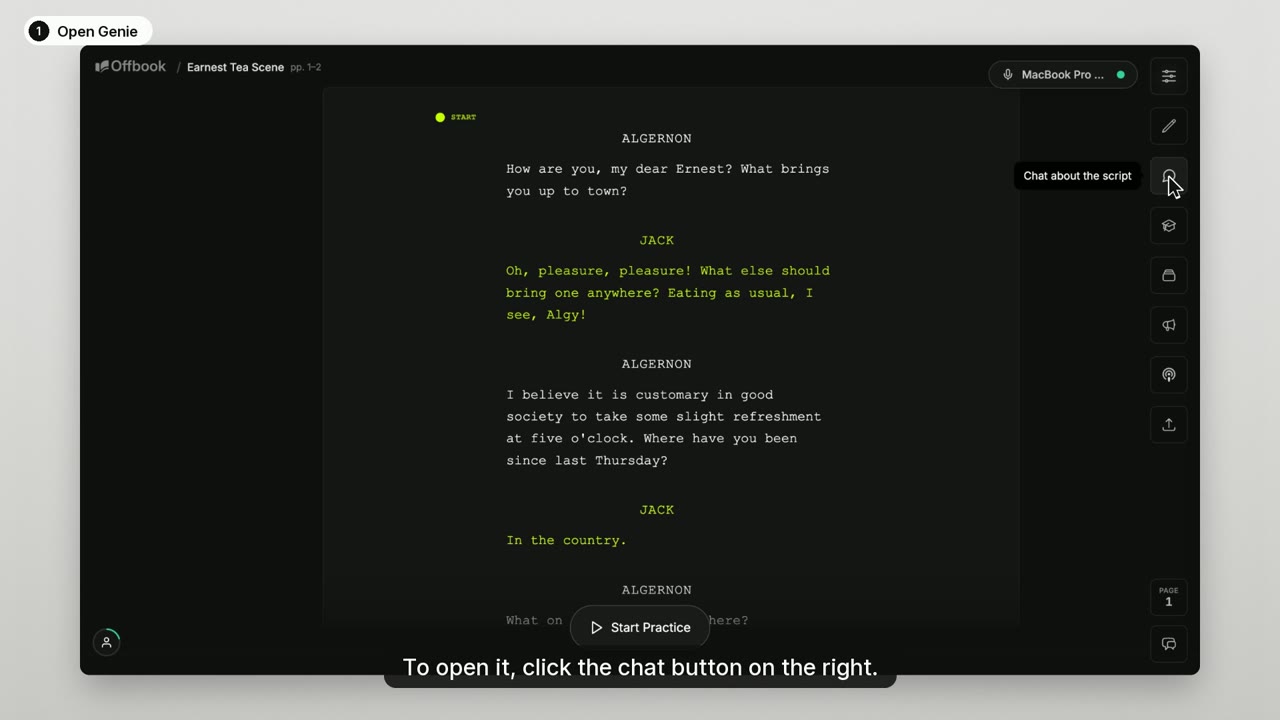
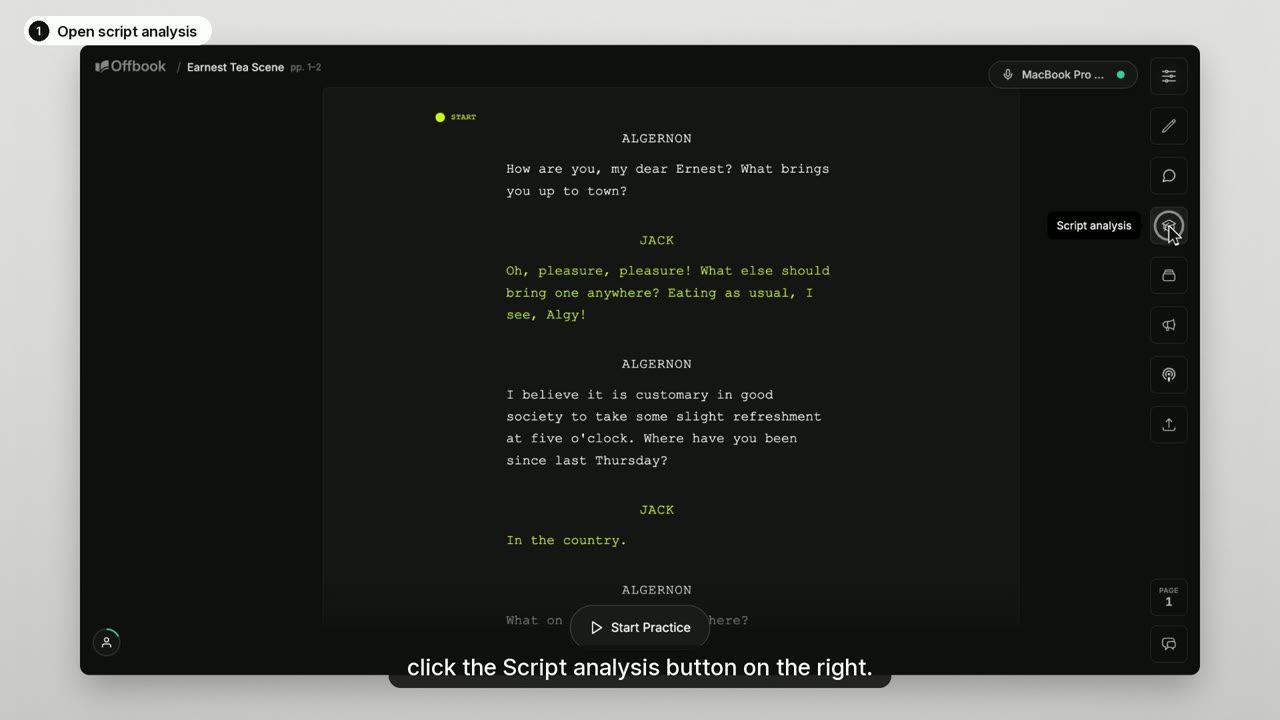
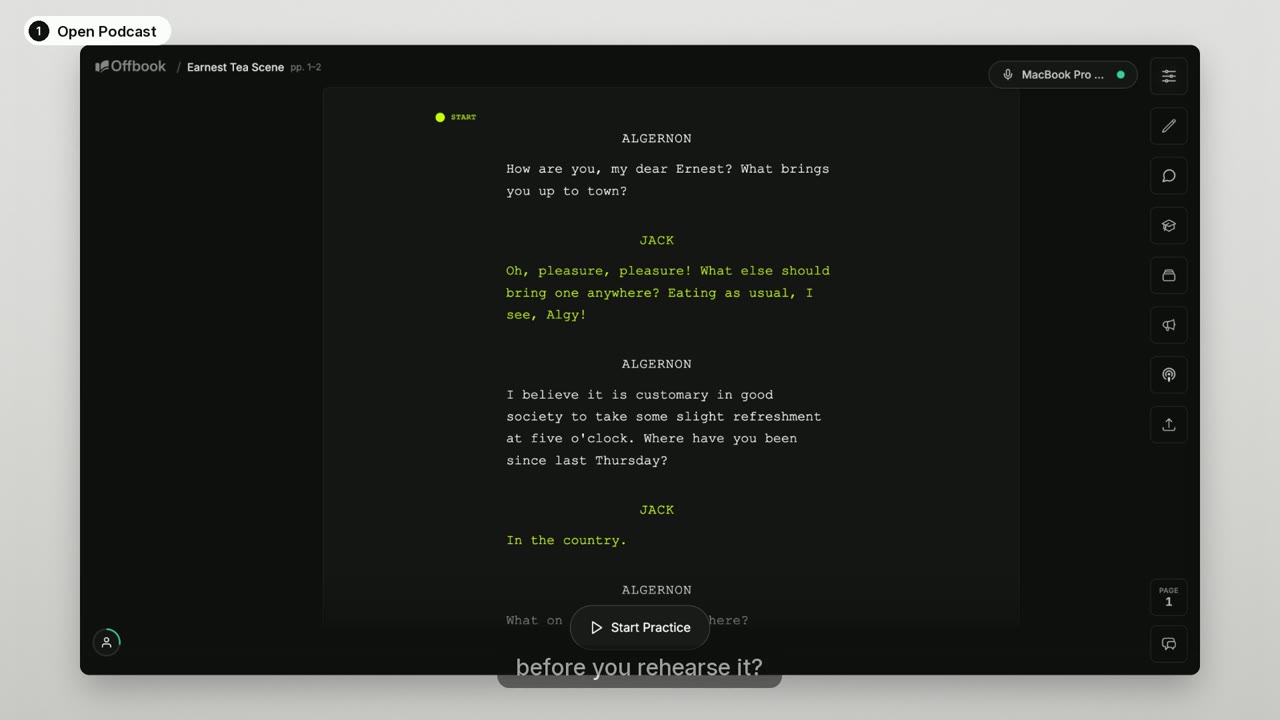
Ask questions about the script and build the character.
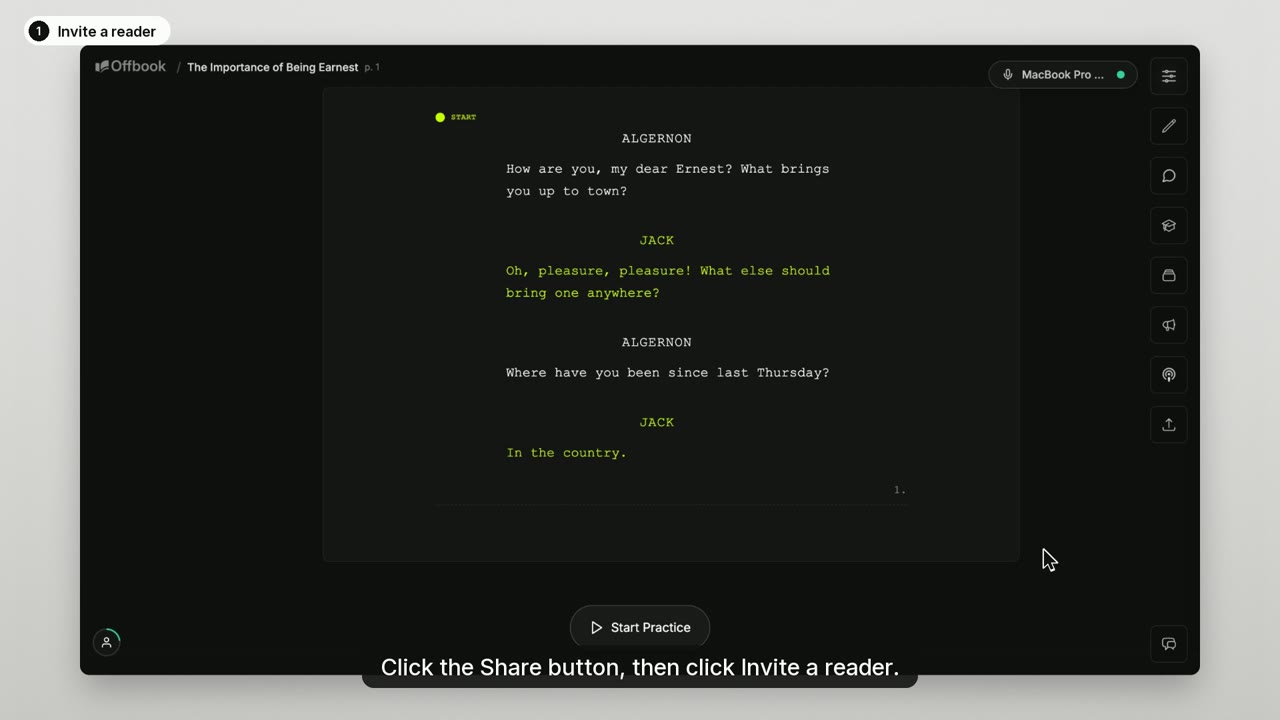
Progress and sharing
See your rehearsals and bring a scene partner in.
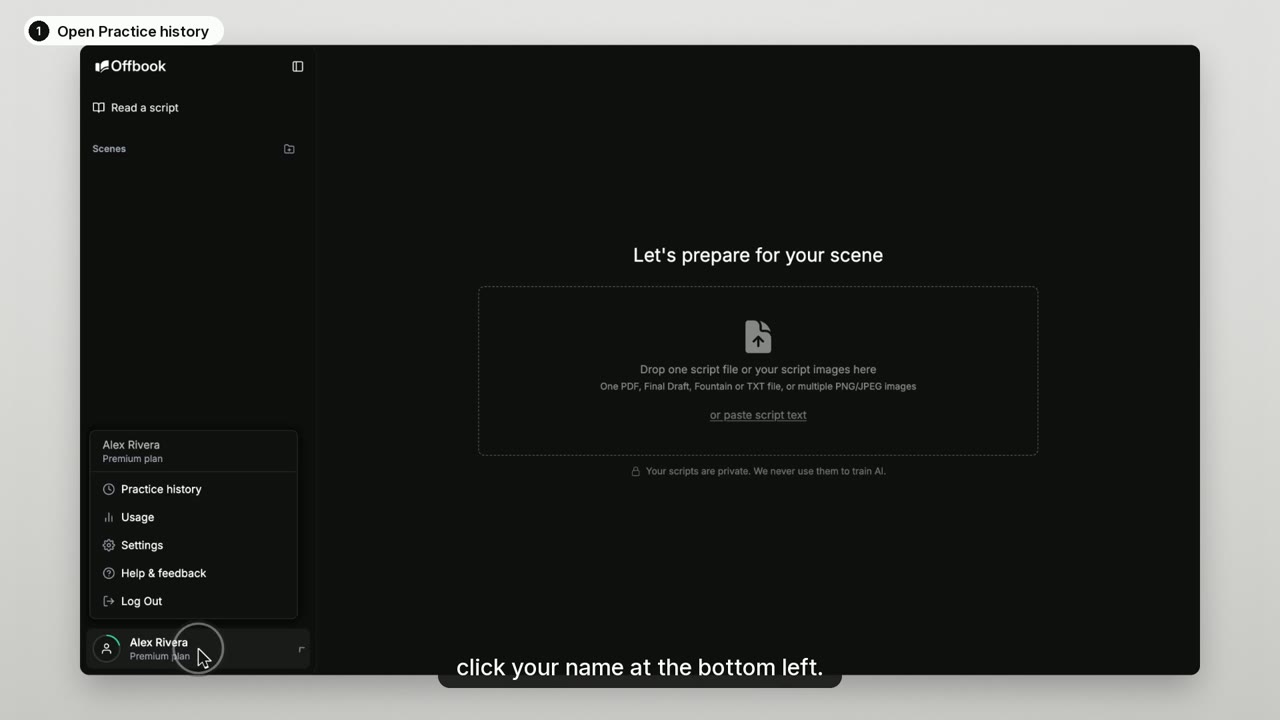
Prefer to read? Step-by-step guides are in the Help Center.